
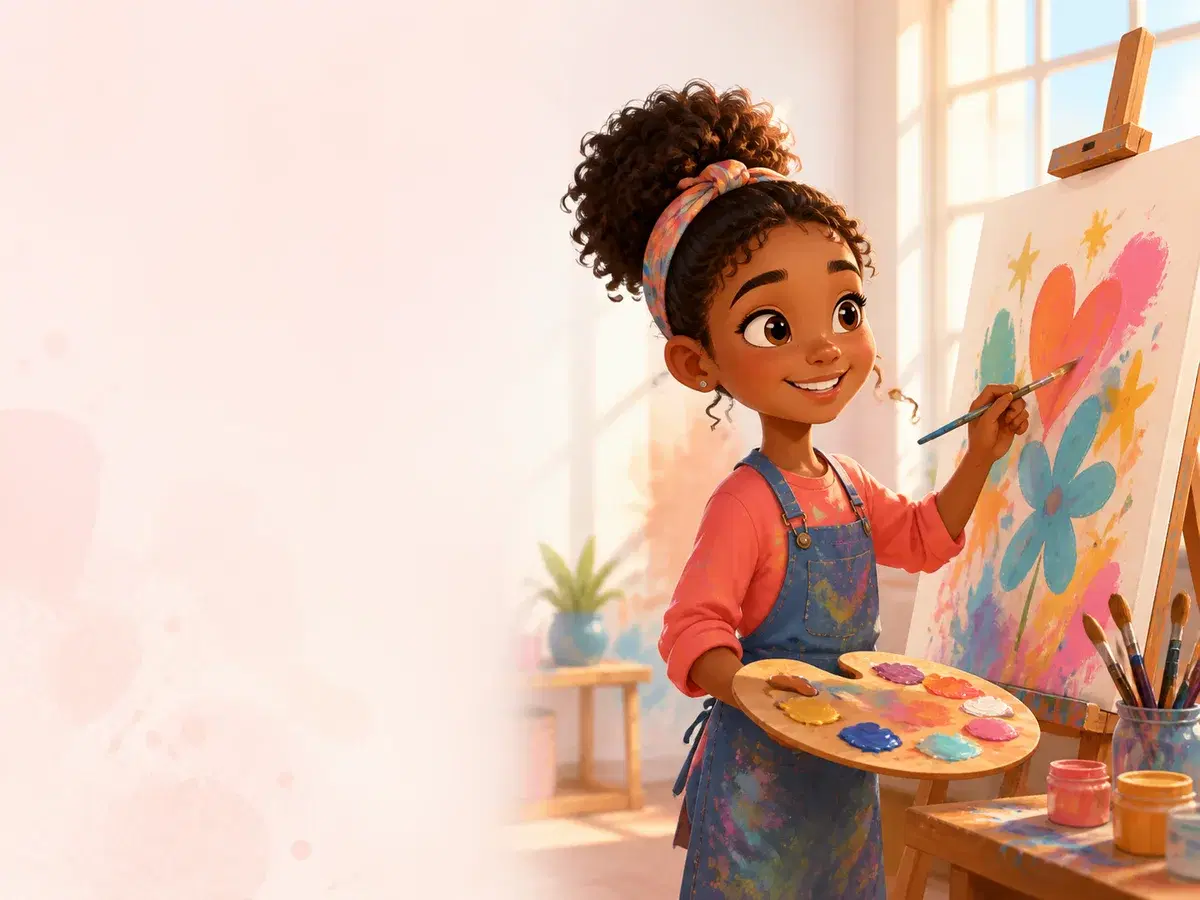
A CREATIVE STUDIO FOR YOUNG STORYTELLERS
Imagine it.
Create it.
Share it safely.
Magic Studio helps you turn drawings, stories, and ideas into art, illustrated stories, and movies. Your teacher helps check work before it is shared.
- Your work starts private
- Your teacher helps
- Made for students
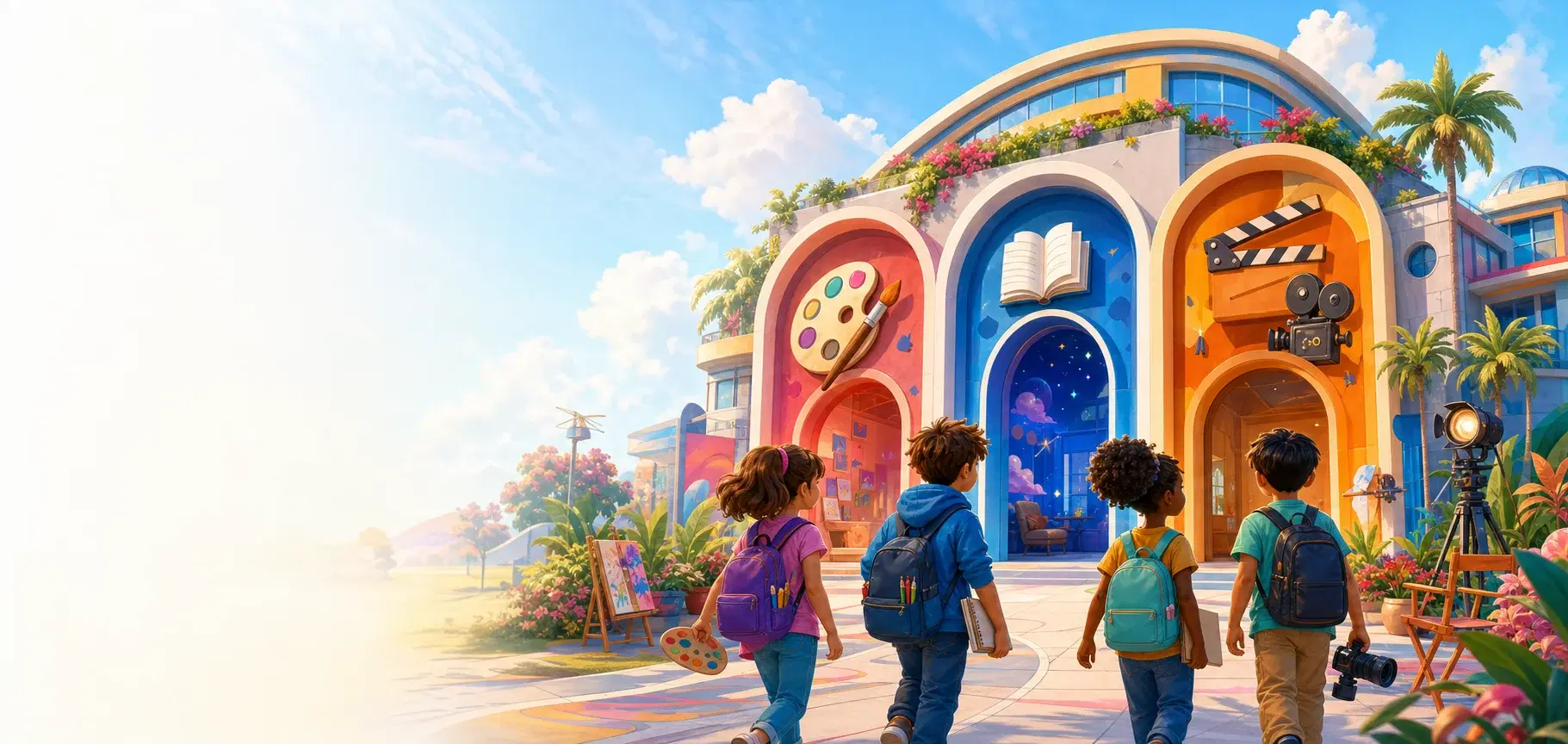
STEP INTO THE CREATIVE STUDIOS
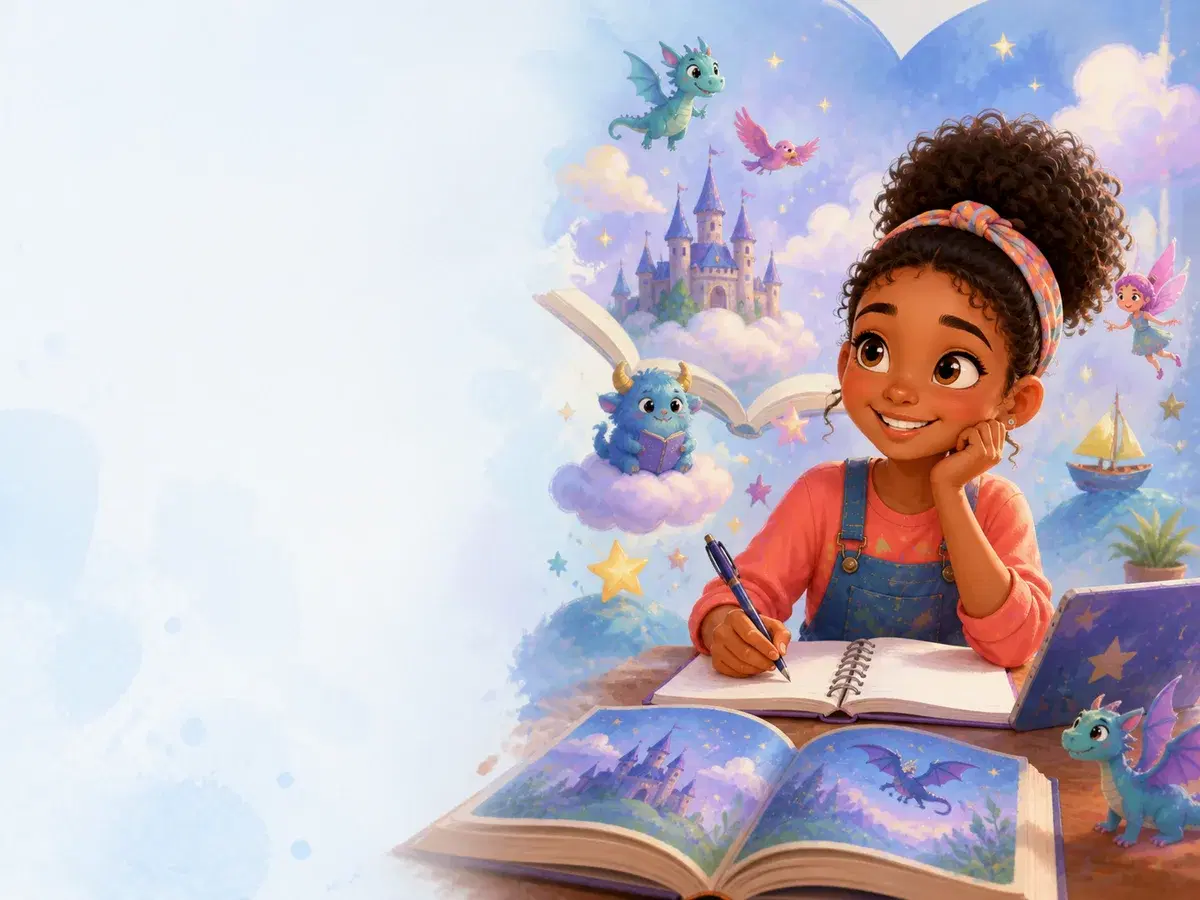
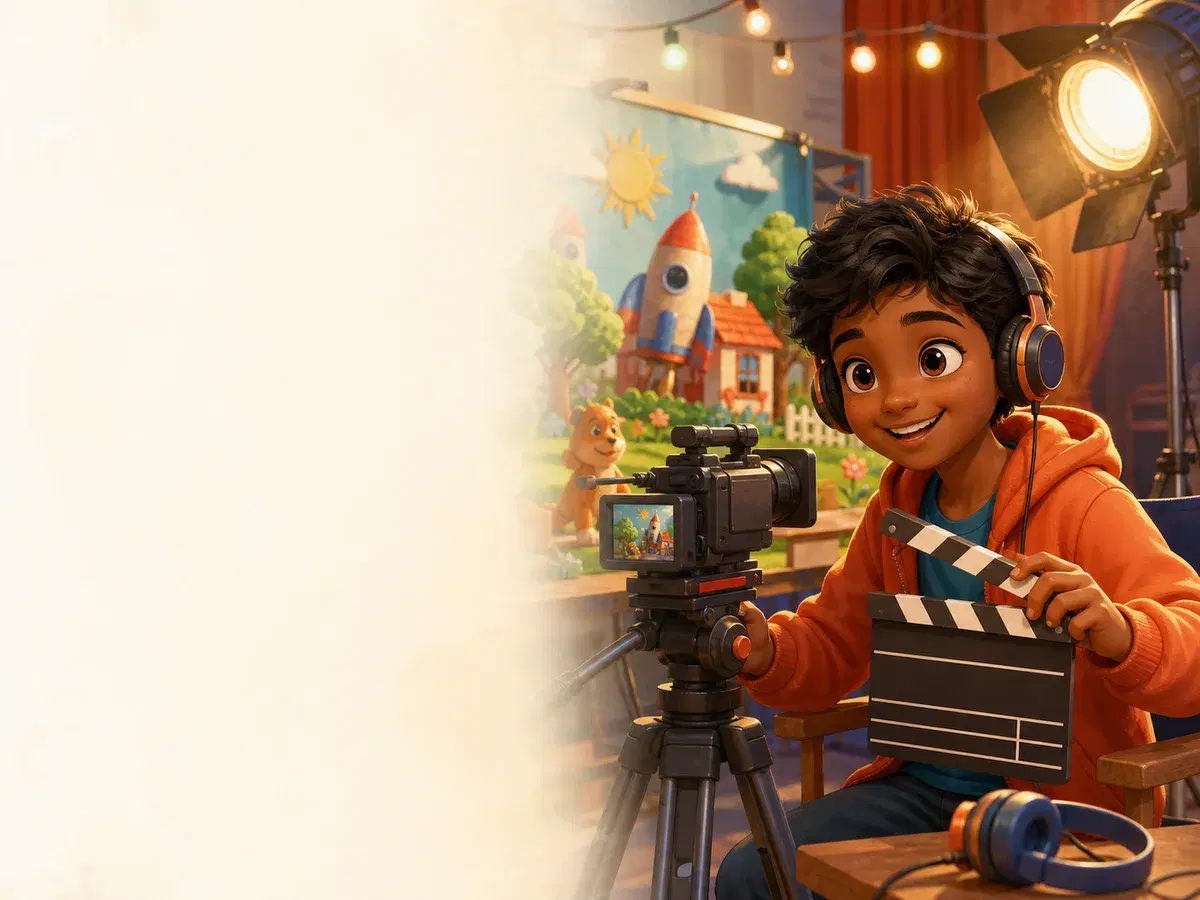
Create, imagine, direct, and play
Choose a studio for making something original or exploring a colourful game challenge.
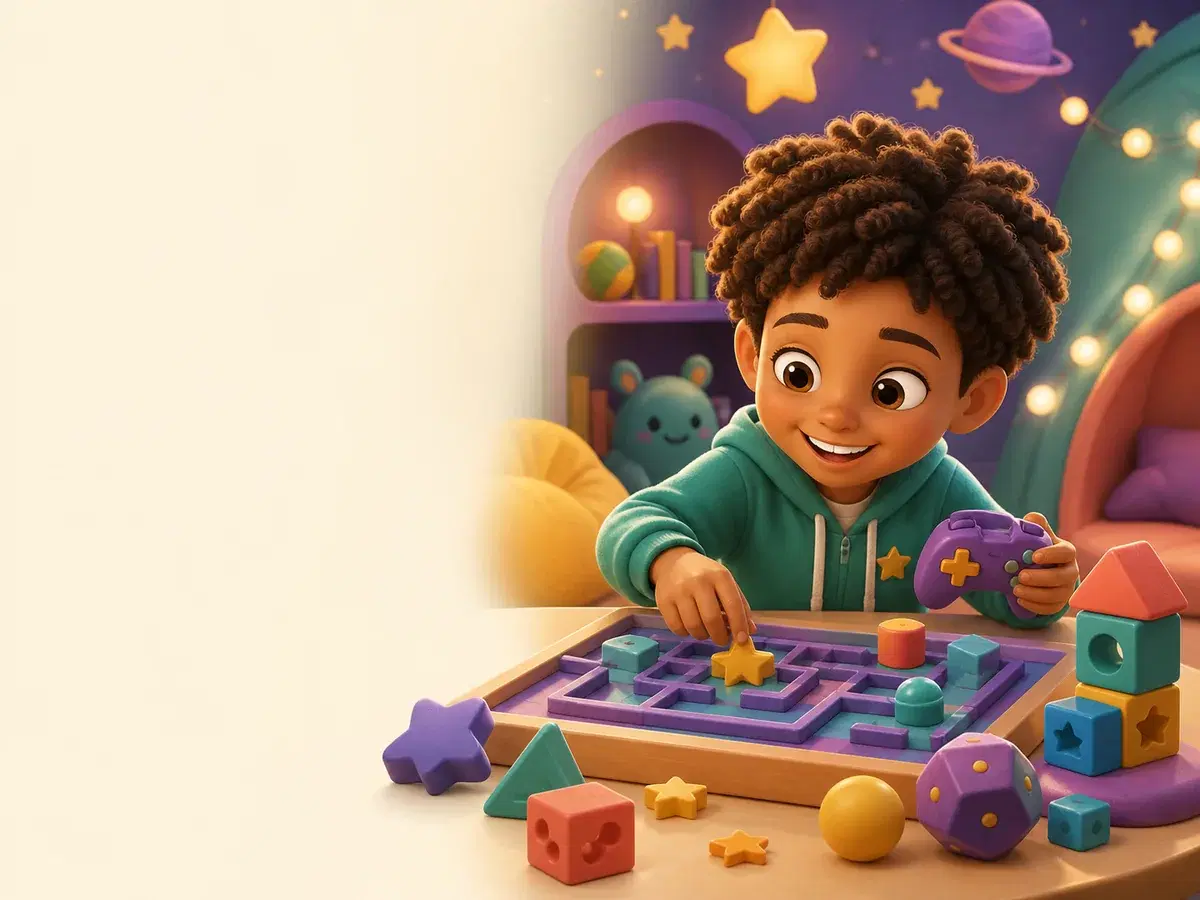
PLAY & EXPLORE
Magic Games
Explore puzzles, adventures, sports, and quick-thinking challenges.Explore Games →THE PARADISE SHOWCASE
Created by students. Shared with care.
HOW SHARING WORKS
Create first. Share when you are ready.
- 1
Create your project
Your art, story, or movie starts in your private workspace and is saved in My Creations.
- 2
Ask your teacher
When you are proud of your work, send it to your teacher to check.
- 3
Share safely
Your teacher checks your work first. Magic Studio completes a final safety check before it can appear in the Showcase.
MADE FOR STUDENTS
Everything you need to create
Choose a studio, make something original, and keep every project together in your student workspace.
Create your way
Make art, illustrated stories, movies, and explore creative games.
Keep every project
Your work stays saved in your private student workspace.
Share when ready
Choose your best work and send it to your teacher when you are ready.
SAFE SHARING
Your work is protected while you create
Your work stays private until you choose to send it to your teacher.
Your work starts private
New projects are saved in your private workspace.
Checked by your teacher
Your teacher checks the work you choose to share.
Final safety check
Magic Studio checks approved work before it can appear in the Showcase.
You choose what to share
Only the work you send to your teacher can be considered for the Showcase.
READY TO CREATE?
Start creating with your class
Sign in with the username and password provided by your teacher. New students can join using their class code.